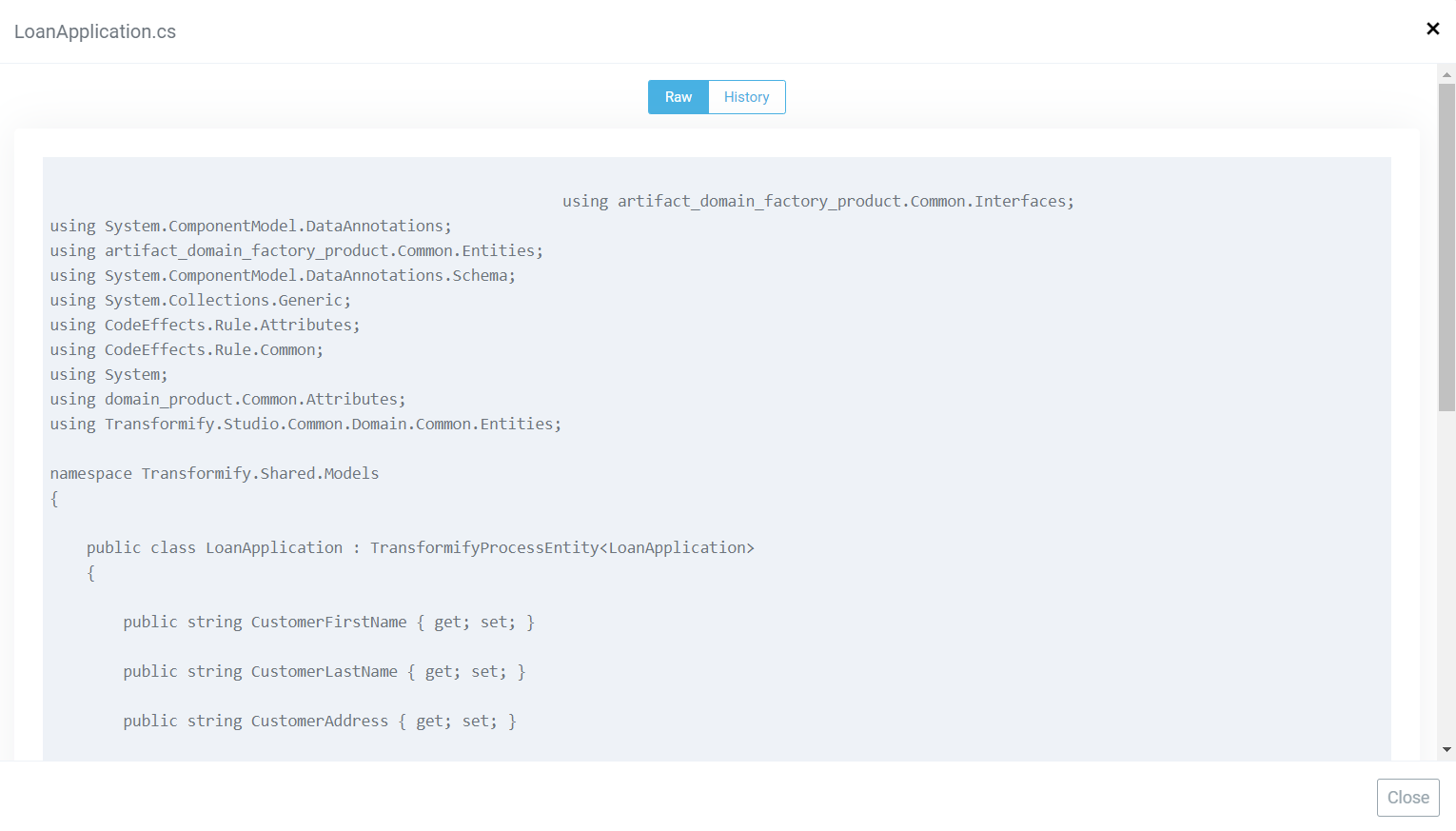
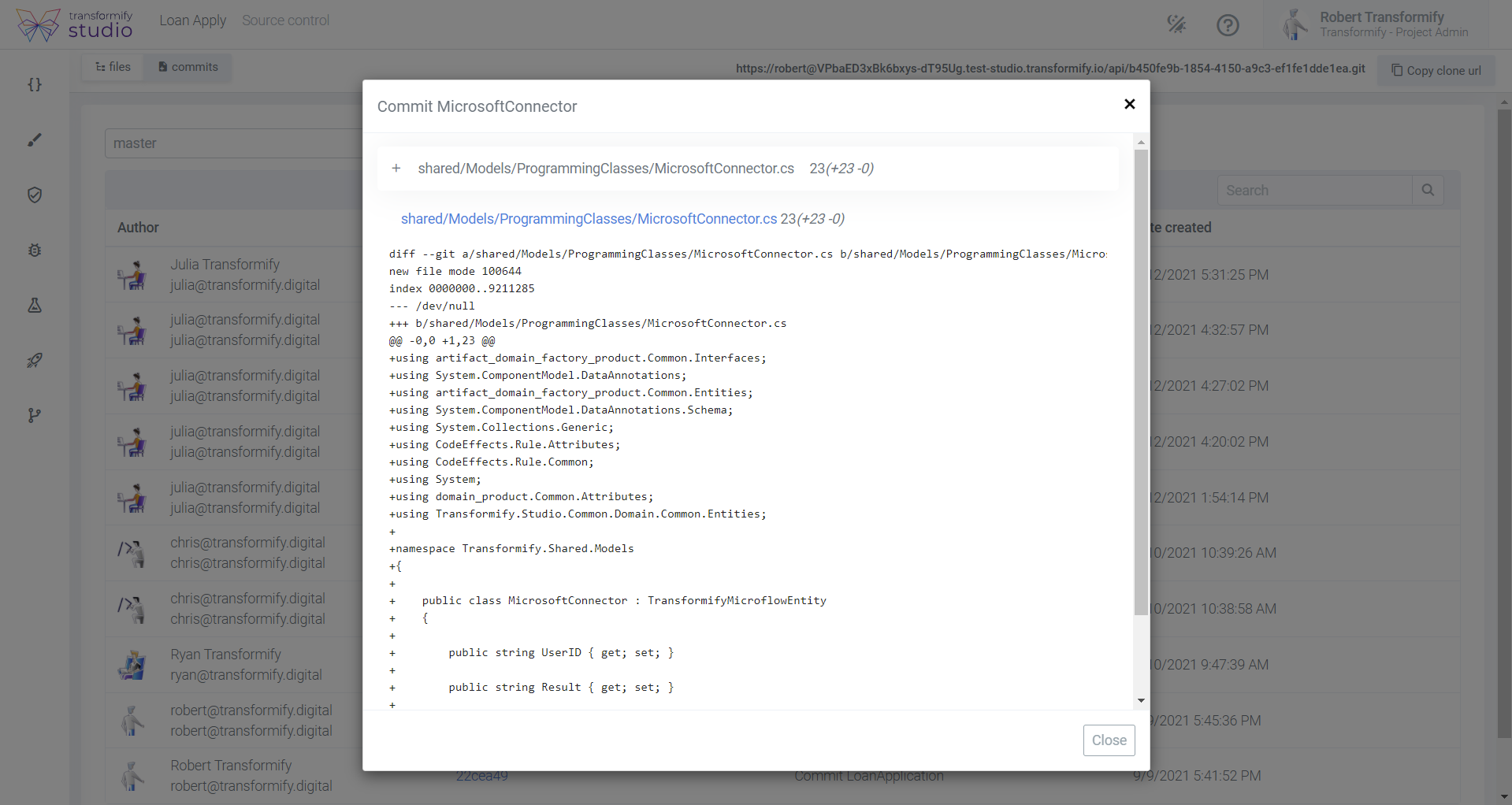
Welcome to your dedicated Git server!
Create password in order to complete your credentials for the Git server and the remote repository of your solution. This repository automatically evolves in real-time with source code updates from your custom coding and all the code that derives from Transformify Studio which is automatically generated by our source code-generation engine in the background.
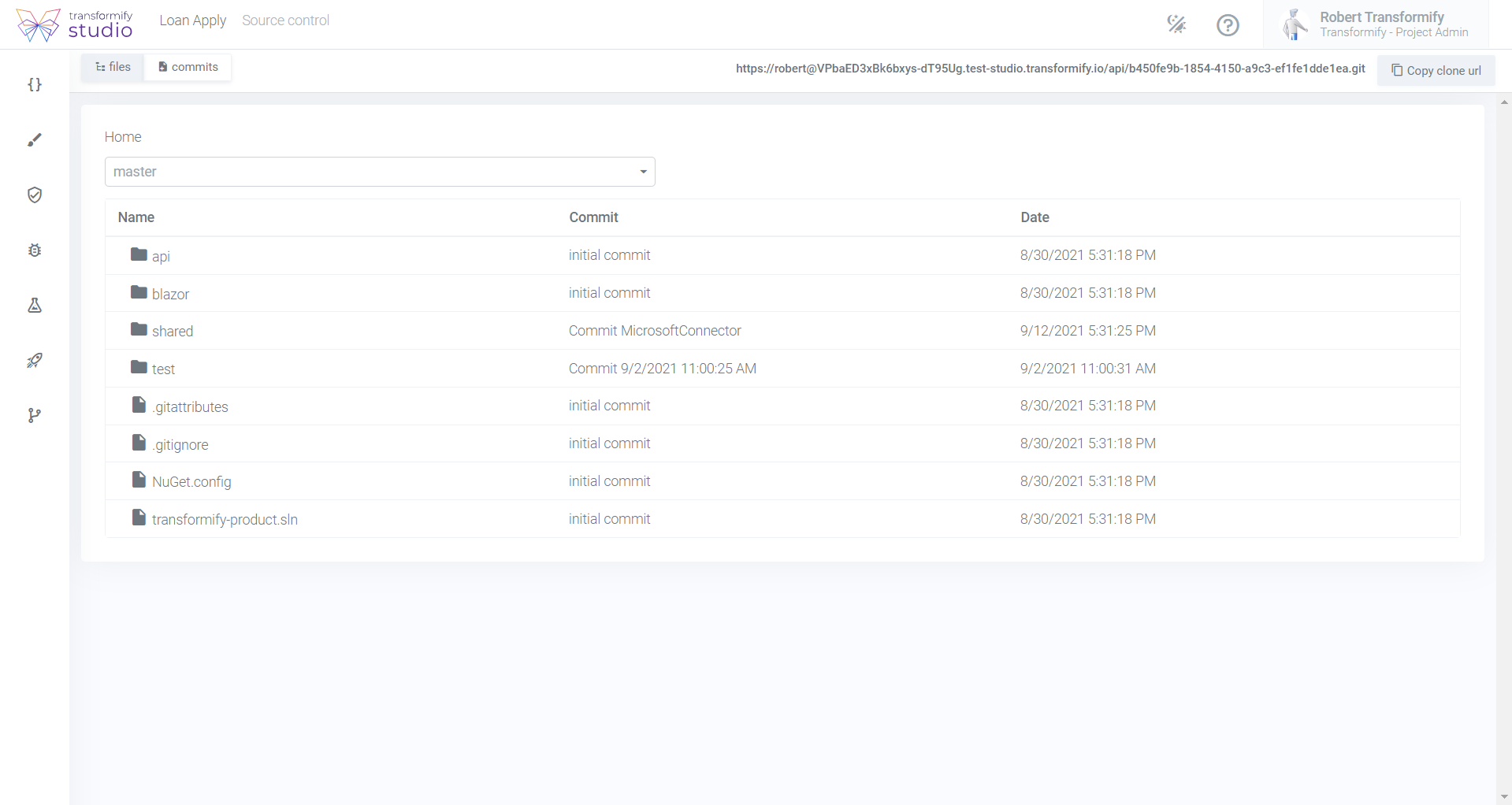
In general you can:
Clone your project’s Git repository and use IDE of your choice like Visual Studio, VS Code or Rider to work with the complete .NET solution and projects on your local machine.
Utilize all advanced IDE tools and features like debug, stack trace explorer, and VCS and database support to get even more control than in-built code editor and the freedom to extend the complete platform functionality.
Clone your project’s Git repository on your local machine and stay sync with Pull command to receive all code changes that have been created in the meantime by other professional developers or business experts from your team, no-matter whether they have used No-Code or Low-Code approach.
Push your local changes to your remote repository in order to sync your code changes and to trigger automatic CI/CD pipeline that will bring all custom changes in your Transformify Studio.