
Welcome to Transformify Studio! The development side of your digital transformation!
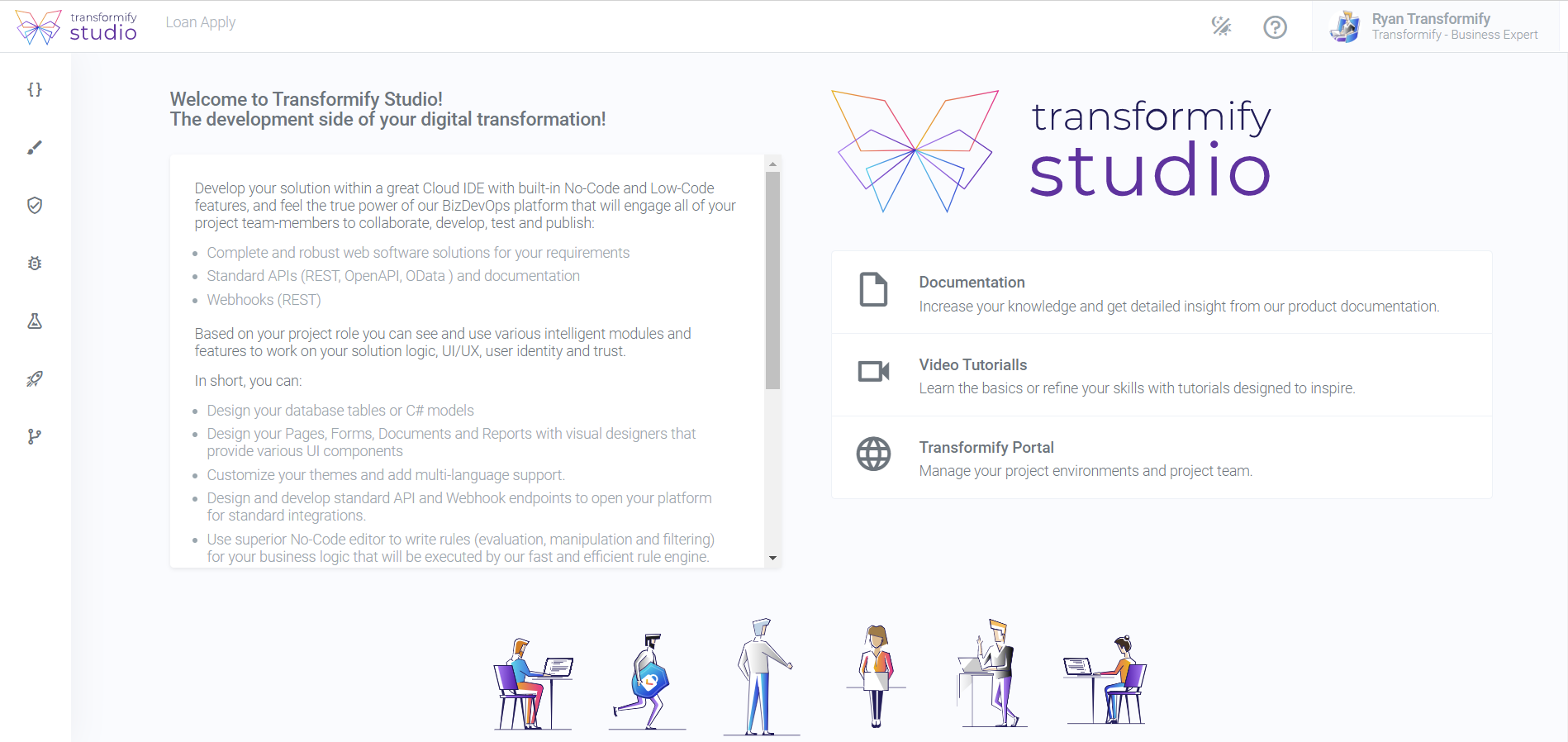
Develop your solution within a great Cloud IDE with built-in No-Code and Low-Code features, and feel the true power of our BizDevOps platform that will engage all of your project team-members to collaborate, develop, test and publish:
Complete and robust web software solutions for your requirements.
Standard APIs (REST, OpenAPI, OData ) and documentation.
Webhooks (REST).
Based on your project role you can see and use various intelligent modules and features to work on your solution logic, UI/UX, user identity and trust.
In short, you can:
Design your database tables or C# models.
Design your Pages, Forms, Documents and Reports with visual designers that provide various UI components.
Customize your themes and add multi-language support.
Design and develop standard API and Webhook endpoints to open your platform for standard integrations.
Use superior No-Code editor to write rules (evaluation, manipulation and filtering) for your business logic that will be executed by our fast and efficient rule engine.
Write any custom program logic with superior Monaco code editor that powers VS Code and use rich C# IntelliSense, validation and syntax colorization for JavaScript, CSS, JSON and HTML.
Design your business Model Driven Processes, Microflows or Bots with visual designers that will be driven by powerful workflow engine.
Browse and use some of the thousands of useful libraries and packages from NuGet Gallery.
Clone your project’s Git repository and use IDE of your choice like Visual Studio, VS Code or Rider.
Design and run automated QA tests.
Manage identity of your users and clients with standard OAuth 2.0/OpenID Connect.
Provide high level of solution trust, with integrated management of various settings for security, privacy and compliance.
ML/AI....coming soon.
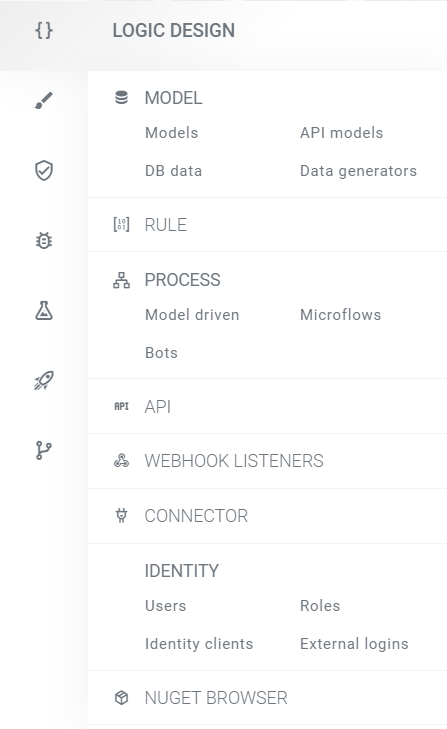
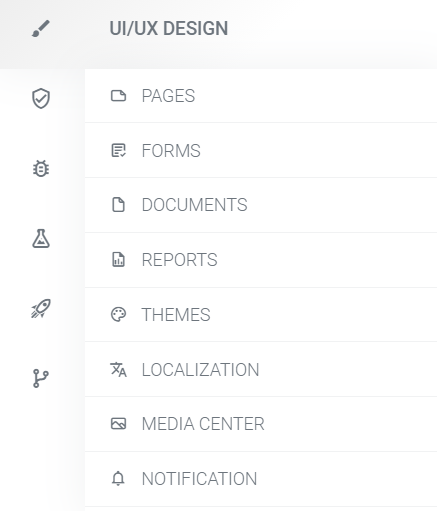
All Studio modules are grouped two sections:
Logic design, where we placed: Model, Rule, Process, API designers, Webhook listeners, Connector, Identity and NuGet Browser.
UI/UX design, to find: Pages, Forms, Documents, Reports, Themes, Localization, Media Center and Notification.
Independent centers that manage the following subject matters:
Trust Center
Debug Center
QA Center
Release Center, and
Source Control.
