User preferences and personalized view settings
Begin your Transformify journey by settings and customizing your Portal user experience by adjusting general preview settings to your style.
Following your login, click Settings on the navigation bar. Here, you can set preview preferences:
Color scheme – enable dark/light mode
Left Sidebar – customize left sidebar (open or collapsed)
Choose date / time format and time zone to format the preview of all information presented in the Portal to your preferences.
Time zone
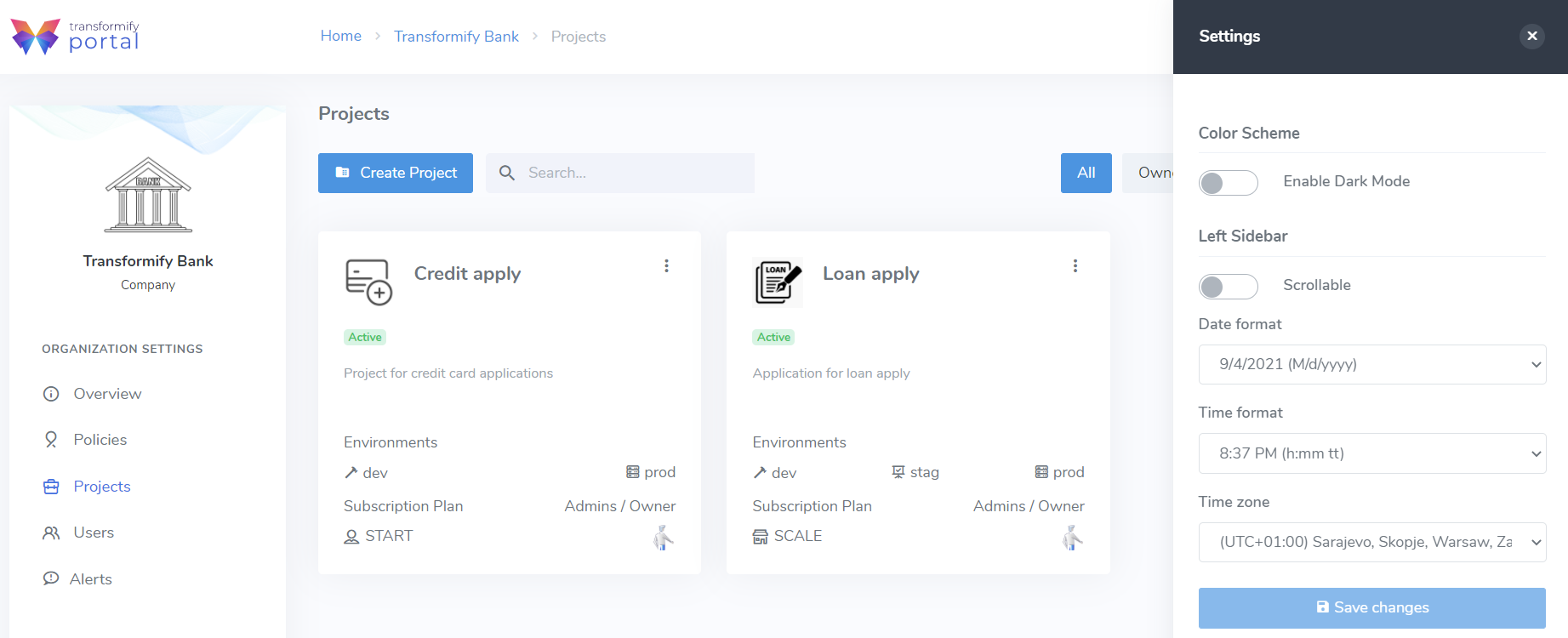
Option to stay with standard navigation bar to immediately access action links and buttons or opt to enable scrollable left sidebar menu to expand the screen and gain more visibility of Project data, metrics and information.
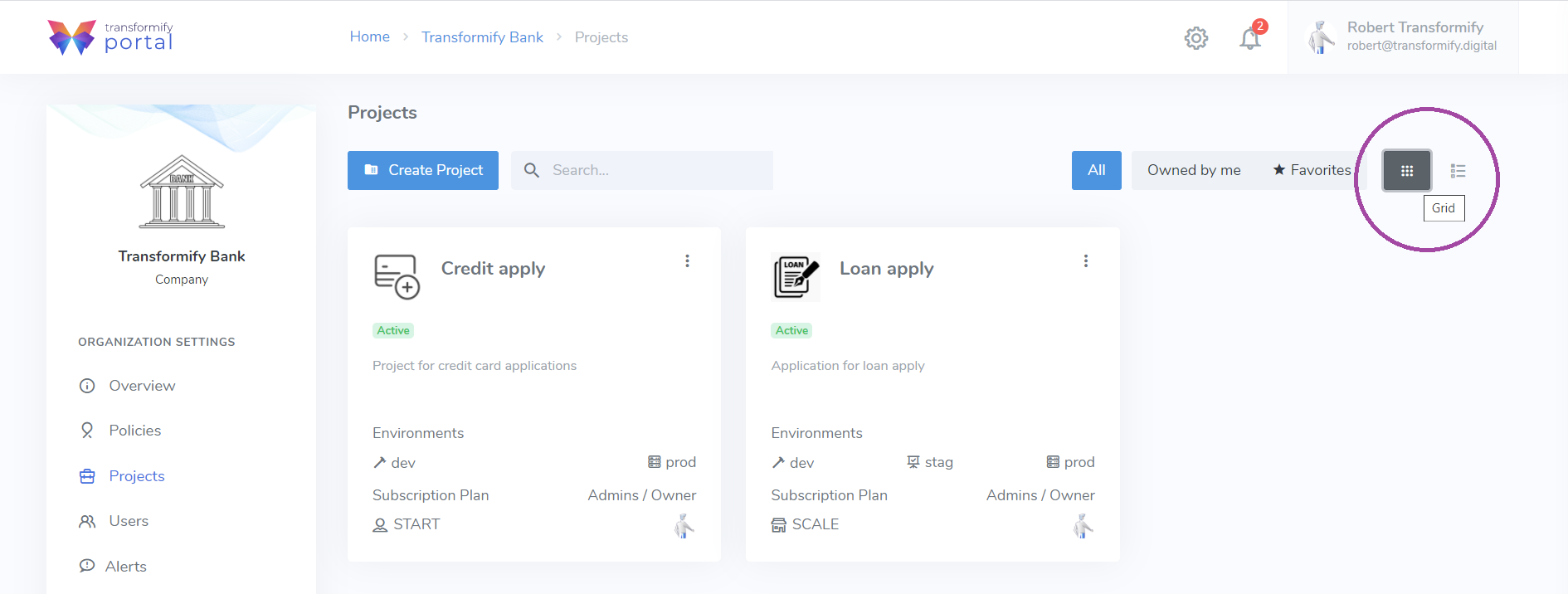
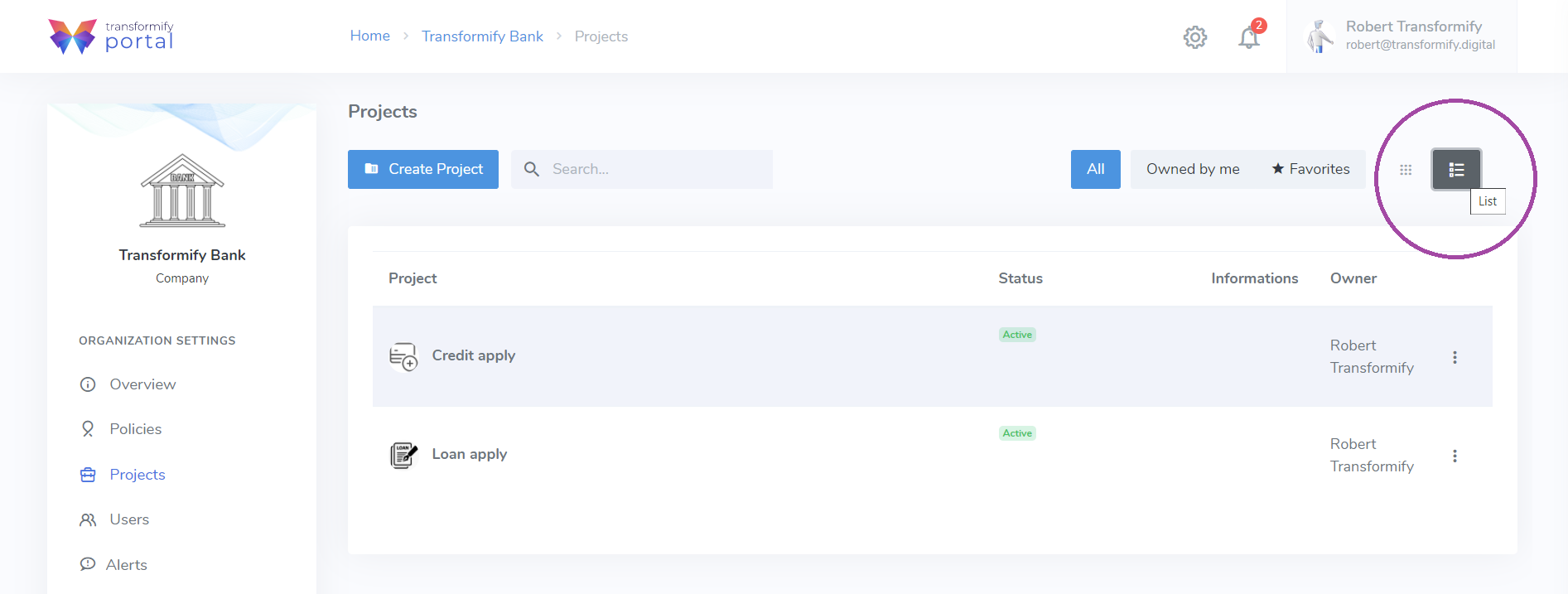
Set container or data grid visual presentation and preview of created Projects.