
Create organization
Following your login, click Create Organization and populate the following information:
enter organization name
select context from the dialogue window which best describes your entity type, and
write short description text.
Click create organization and your entity is all set.

Organizations preview
Organizations home page displays all created organizations as containers.
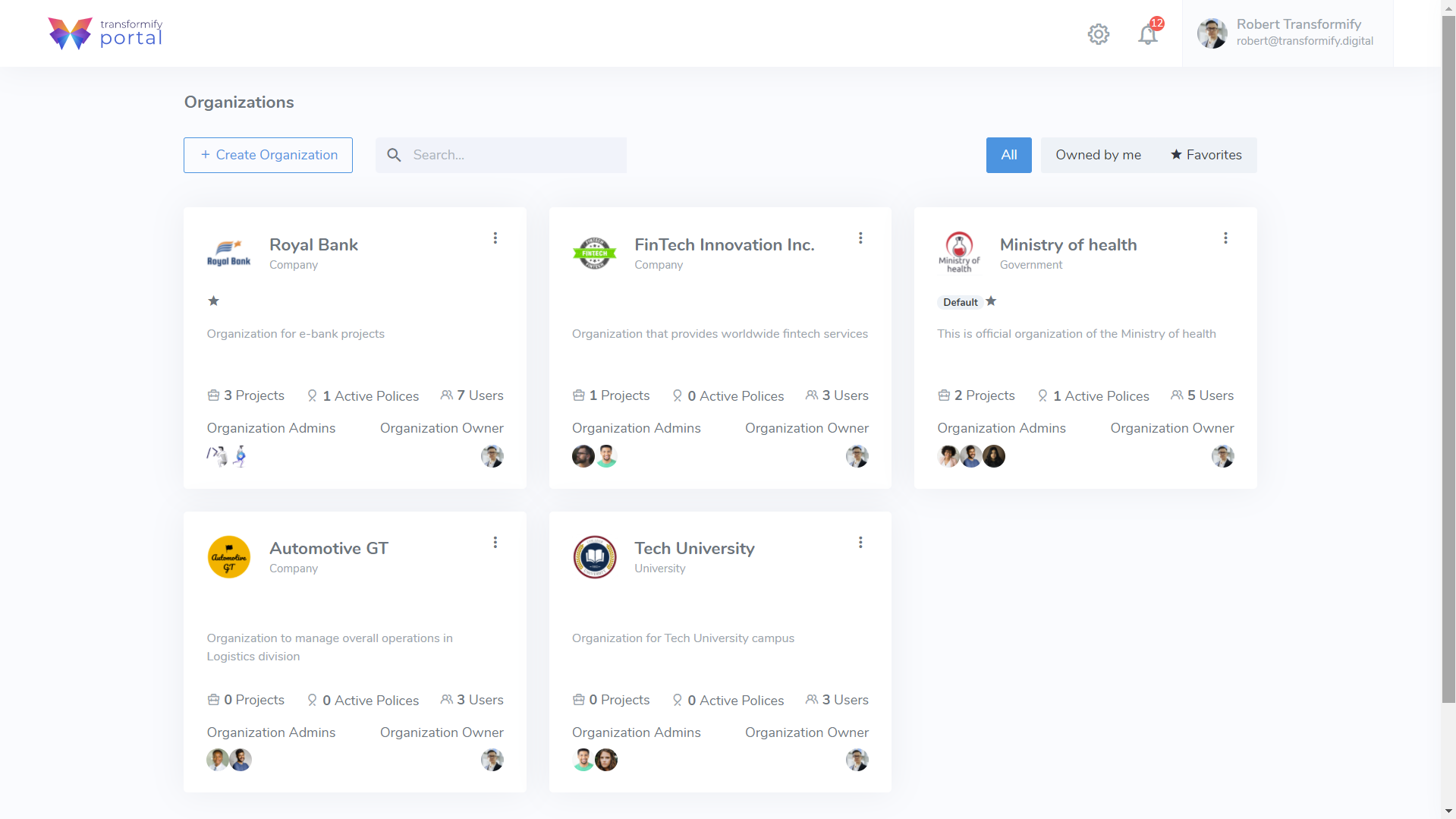
Organization container
In order to enhance user experience and get an outright insight into all aspects within each organization, the container displays summarized organization information which at the same time represent direct access links to the specific resource location.
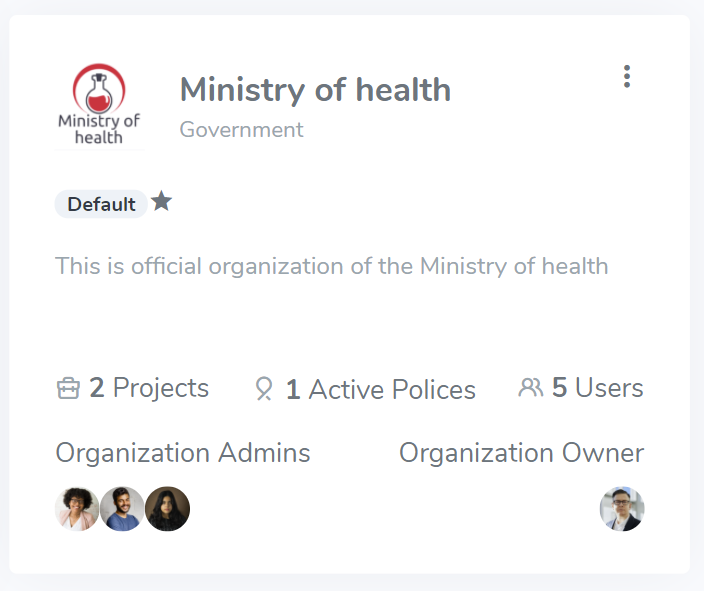
Within the container, you can see:
Organization name, short description, logo, and entity type
System information (eg. If previously set policies are broken)
Default and favorite status (if set)
2FA - Two Factor Authentication (if set as policy)
Number of Created Projects, Active policies and Users
Avatar image of Organization Owner and Admins
The container has contextual menu located on the upper right corner.
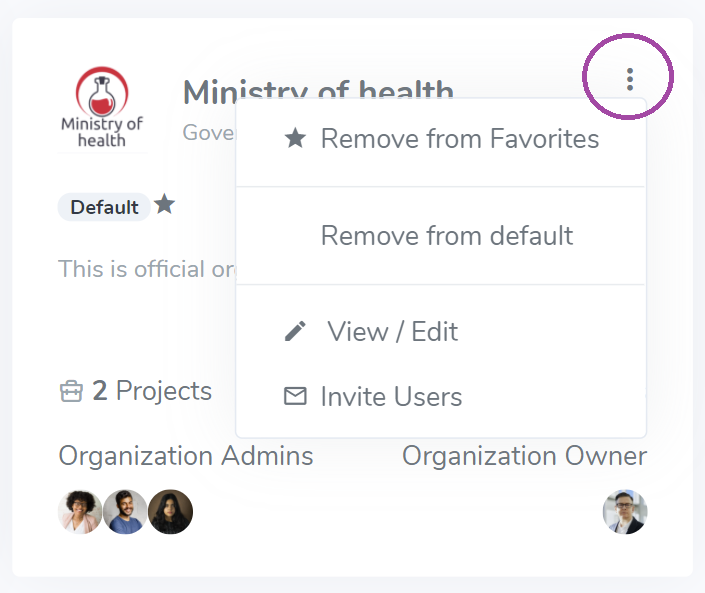
Here you can find quick actions to:
Add/Remove from Favorites
Set/Remove as default – if set, after your login, you will be directly redirected into the organization and its projects
View/Edit organization settings
Invite users to join you organization
