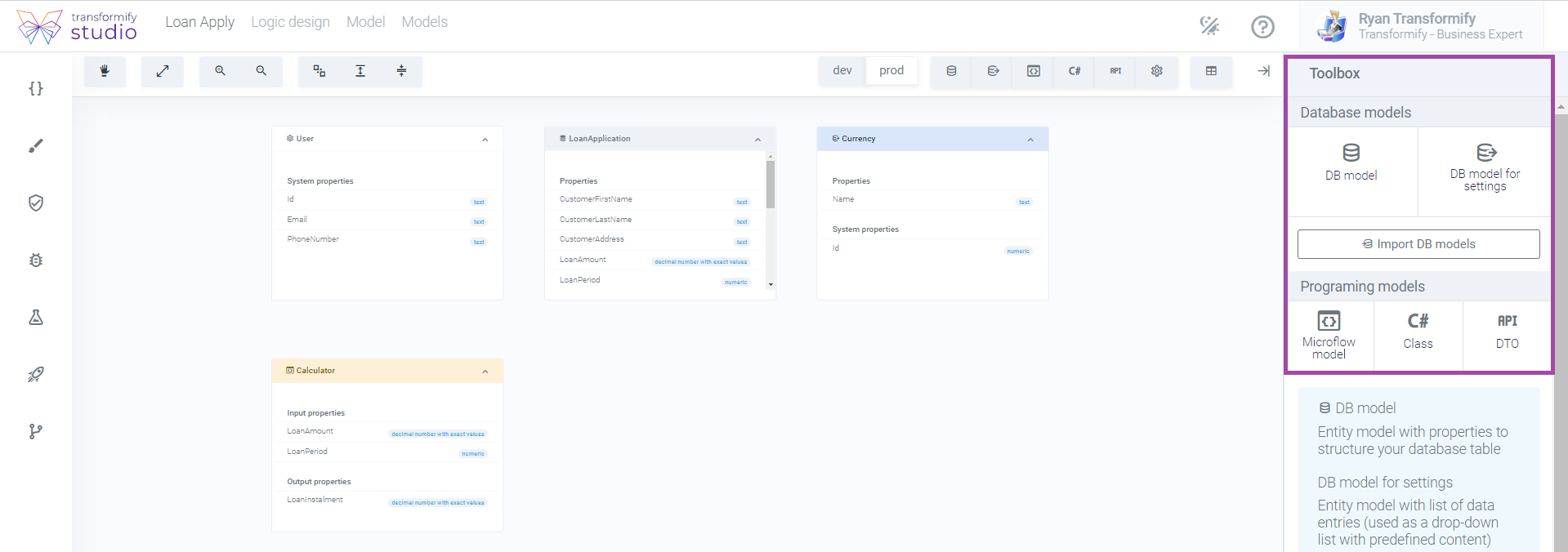
From Logic Design, click Models. This models home-page is broken up into two major functional parts. The canvas, central section to preview all existing models, and Toolbox on the right.
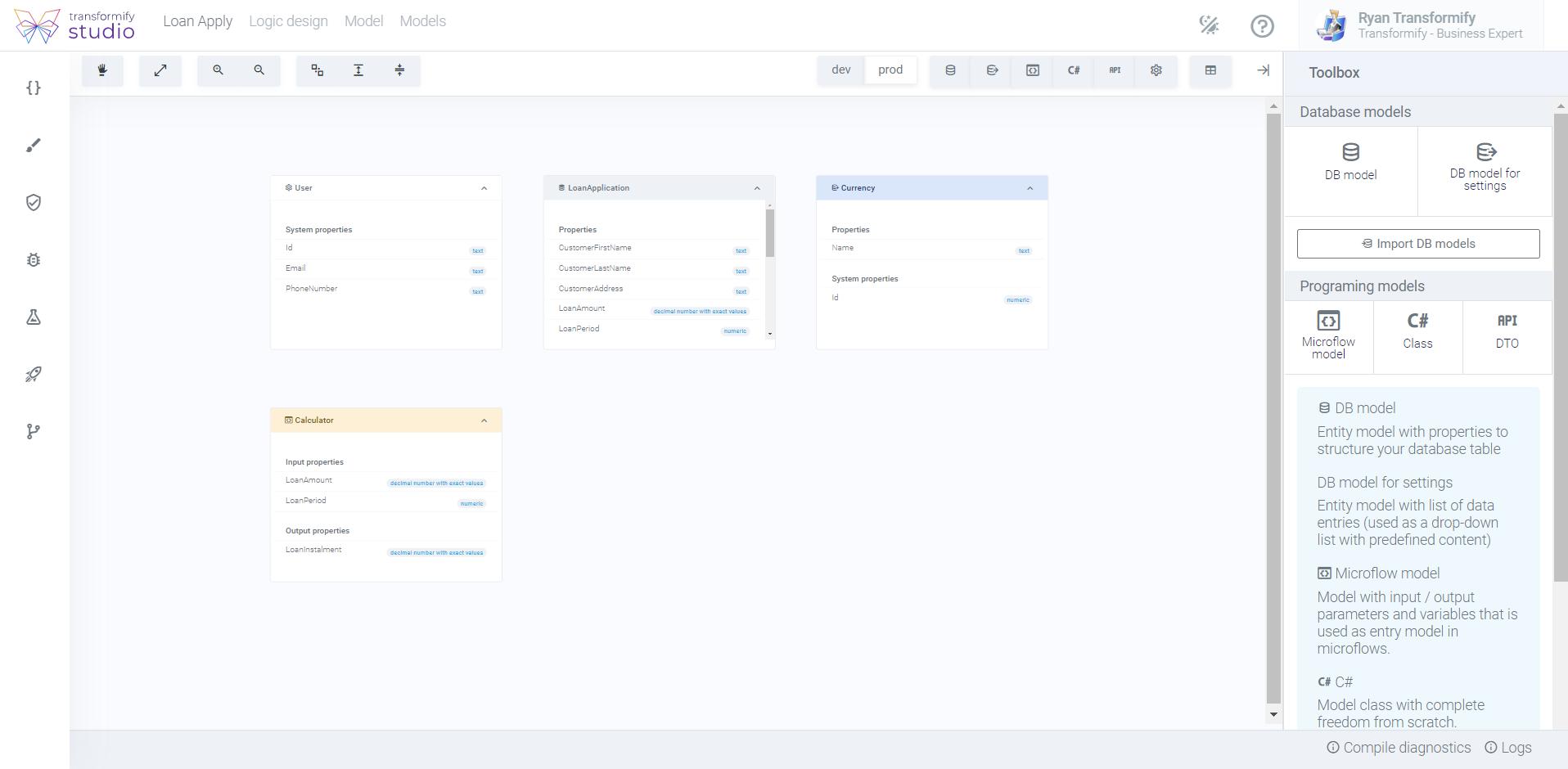
On top of the canvas, there is a toolbar where you can find the most common tools to enhance your visual experience:
Standard tools such as: hand, show relationships, zoom in/out, auto arrange and expand/collapse containers.
Filters to preview models in dev/stag environments, type of models.
Display containers in diagram or table view.

Within the toolbox on the right-hand side, you can find the section from where you can to create appropriate models, grouped by type:
Database models or entity models**,** which in our Studio name them as:
DB model
DB model for settings
Programming models or in other words C# classes, named as:
Microflow model
C# class model
API DTO models
Additional cool feature in this section is Import DB models. Insert Connection string in order to connect to your existing database to scaffold your database tables.