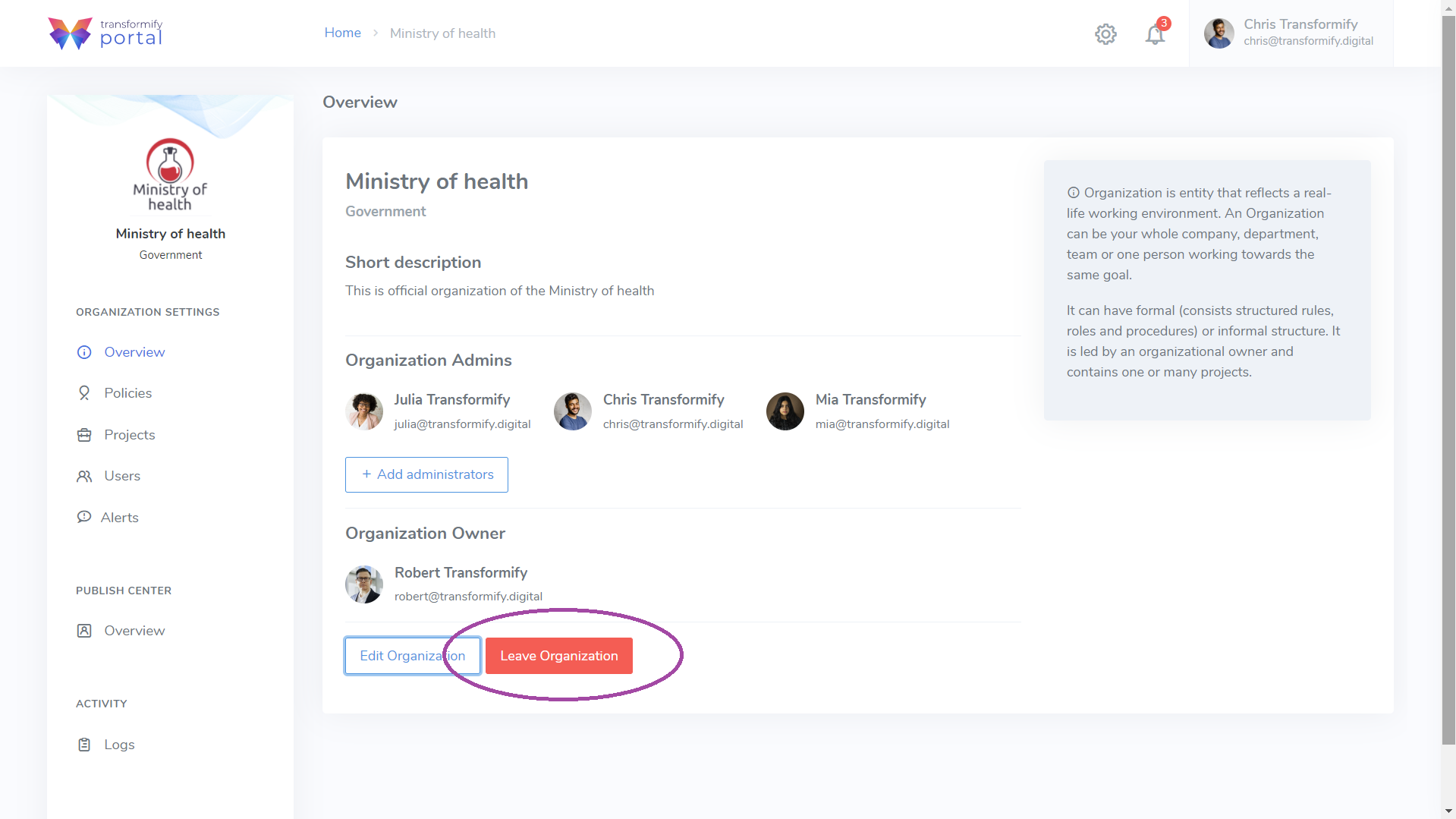
Click the organization container from the home page to enter inside the organization. From the left-side menu, select Overview to preview the general information you already entered in the process of creating the organization.
Here, every Organization member can preview these information, but only the Owner and Organization Admins can edit the following information:
Organization name and legal entity type
Short description text
Add administrators
Profile picture/logo
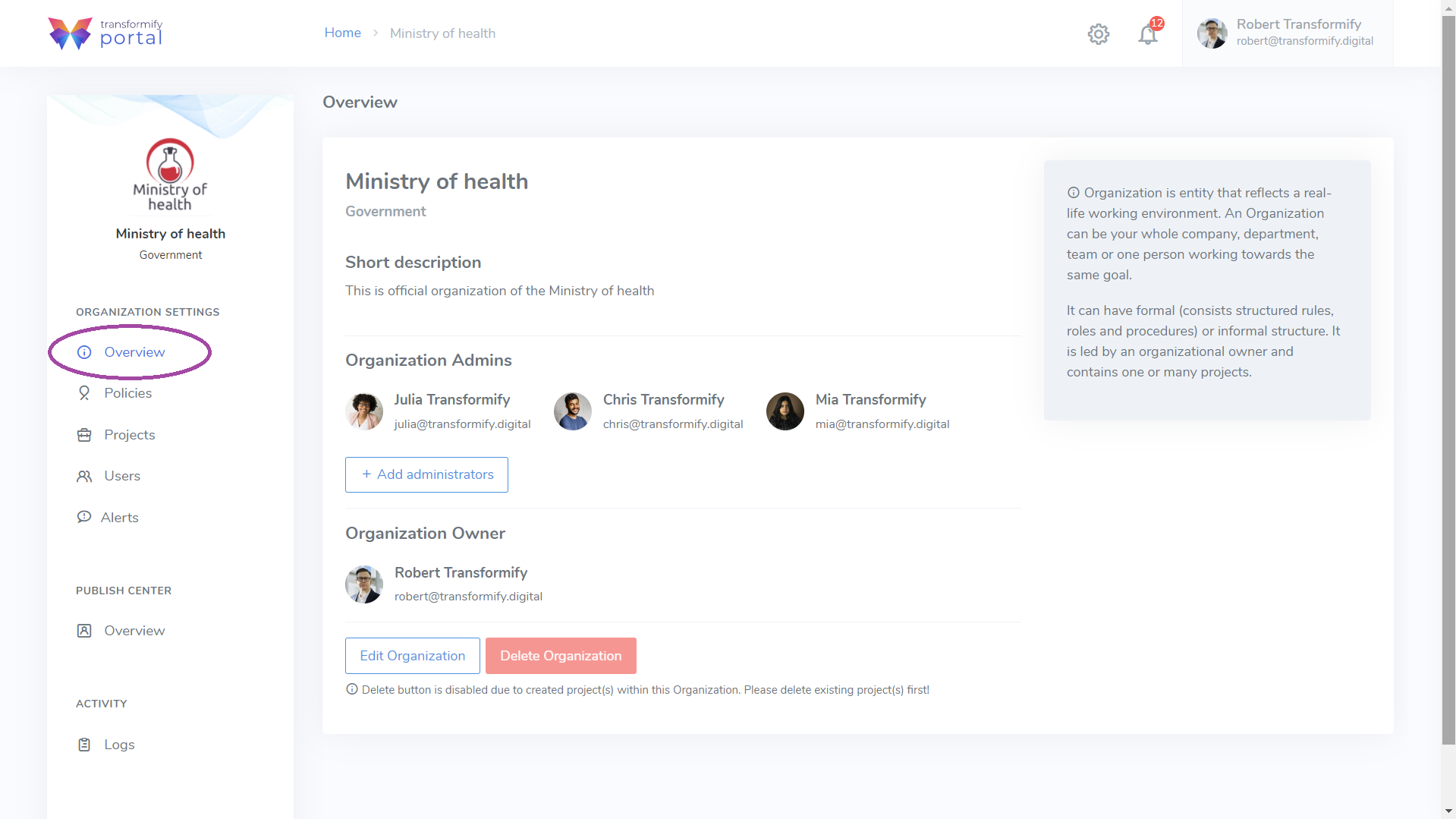
The Organization Owner:
has the ultimate right, to replace himself as Owner and delegate this role to another existing Organization Admin.
is authorized to delete the organization. Important precondition to execute this action is to delete all existing projects within the organization.
Leave the organization